
Blood pressure apps: what to check before you trust the numbers
How to tell a useful blood-pressure log from risky app or wearable measurement claims.
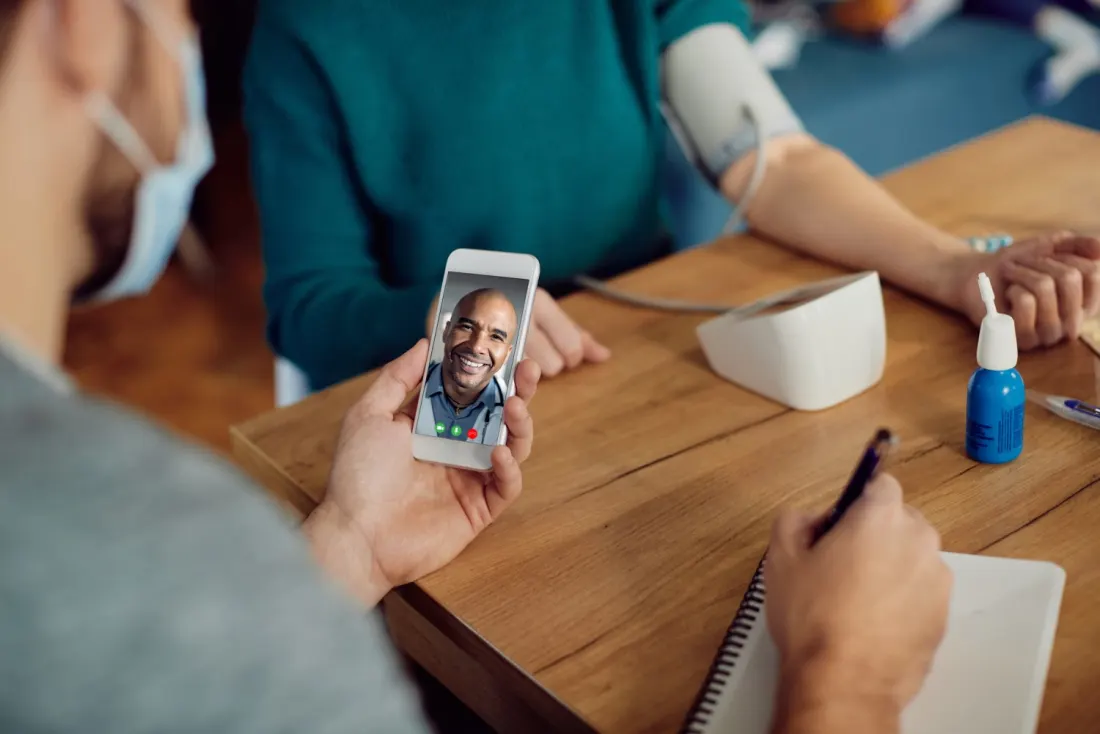
Separate logging from measuring
The first question is whether the app measures blood pressure or simply records readings from a cuff. Logging can be useful. A measurement claim is a medical-device claim that deserves much more scrutiny. FDA says it oversees a subset of device software functions, including functions that may affect patient safety if they do not work as intended.
- Logging app: stores readings, notes, medication timing or reports.
- Device-linked app: receives readings from a blood-pressure monitor.
- Measurement claim: says a phone, watch, ring or software feature can measure blood pressure directly.
Use a validated cuff and correct technique
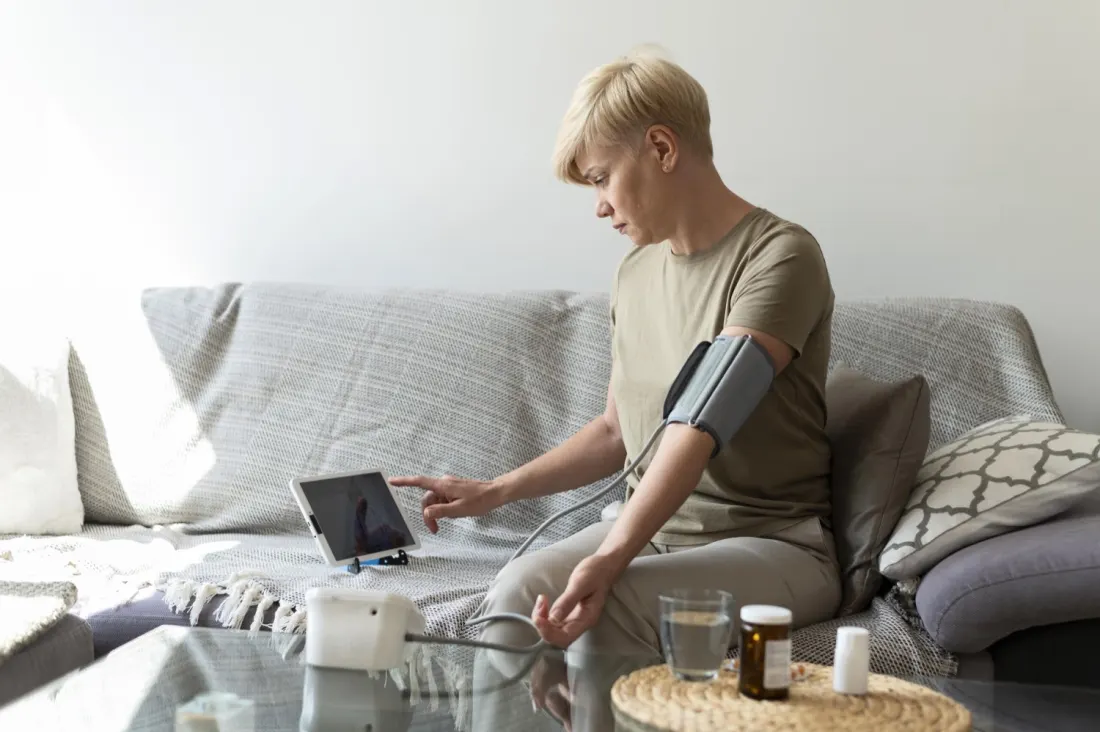
FDA has warned consumers not to use unauthorized blood-pressure devices, including software features on wearables that claim to measure blood pressure, because safety and effectiveness may not have been reviewed. CDC also emphasizes technique: sit correctly, support the arm, use the cuff on bare skin, keep feet flat and avoid talking. A beautiful app cannot fix poor measurement technique.
- Use an upper-arm cuff that fits your arm unless your clinician recommends another option.
- Measure after a few quiet minutes and record the time, symptoms and context.
- Ask your care team whether your home monitor should be checked against an office reading.
What to share with a clinician
Million Hearts points to self-measured blood pressure monitoring as a care process, especially when readings are paired with clinical support. That is the role an app can play well: organizing data so it is easier to discuss patterns. Share averages, unusually high readings, symptoms, medication timing and whether the device is validated. Do not change medication based only on an app interpretation.
- Bring the device name, cuff size and app export if possible.
- Mark readings taken during pain, stress, caffeine, exercise or missed medication.
- Ask what reading range requires same-day advice or urgent care.
Common questions
Can a phone app replace a blood-pressure cuff?
A logging app can help organize readings, but blood-pressure measurement should rely on an appropriate validated device and clinician guidance.
Related reading
- Blood pressure chart (internal)
- How to lower blood pressure (internal)
- Blood-pressure-friendly meals (internal)
What to verify
- Whether the app logs readings or claims to measure blood pressure
- Whether the connected device is clinically validated and uses the right cuff size
- What the clinician wants the reader to do with high readings or symptoms
Sources
- FDA: Device software functions including mobile medical applications
FDA overview of mobile medical app and device software oversight.
- FDA: Do not use unauthorized devices for measuring blood pressure
FDA safety communication on unauthorized blood-pressure devices and software features.
- CDC: Measuring your blood pressure
CDC technique guidance for accurate blood-pressure measurement.
- Million Hearts: Self-measured blood pressure monitoring
HHS/Million Hearts SMBP resource and validated-device context.
Educational content only. This post is not medical advice, diagnosis, treatment guidance or a substitute for a licensed clinician.